
Hug My Younger Self AI Video
Create your Hug My Younger Self AI Video
Watch a short motion study
History
Loading history…
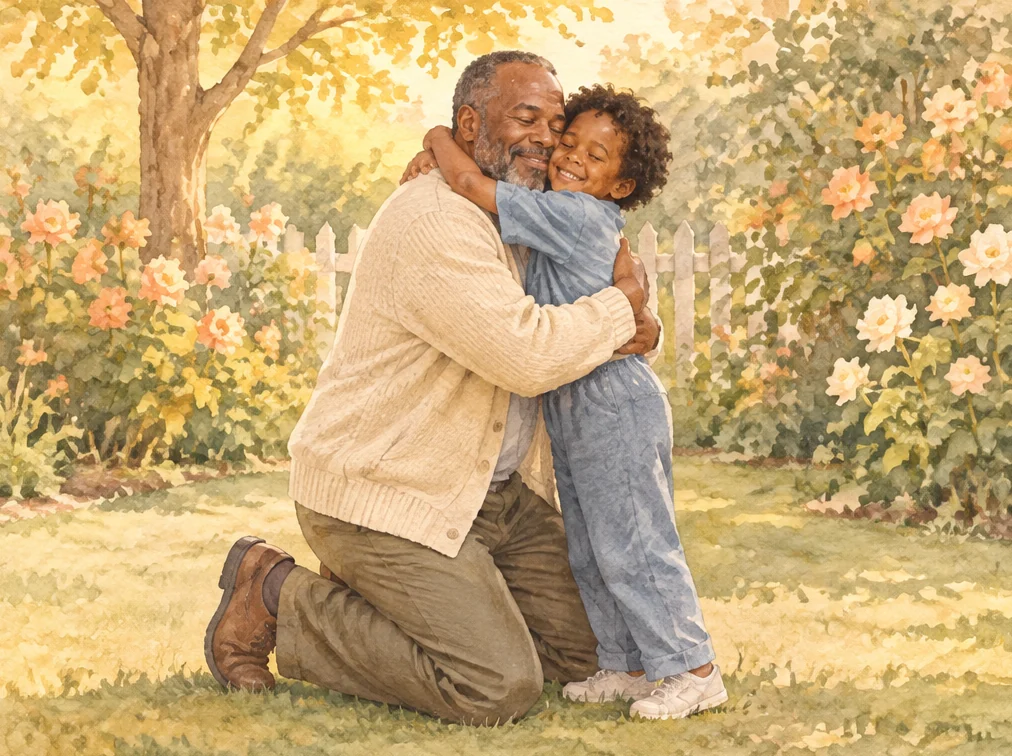
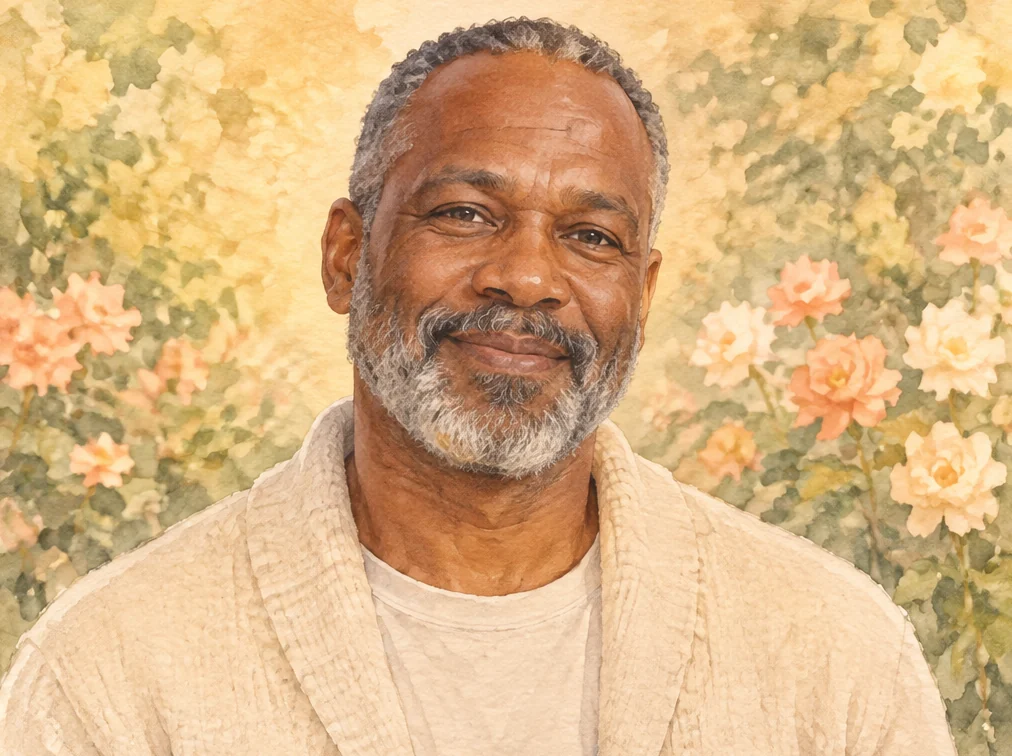
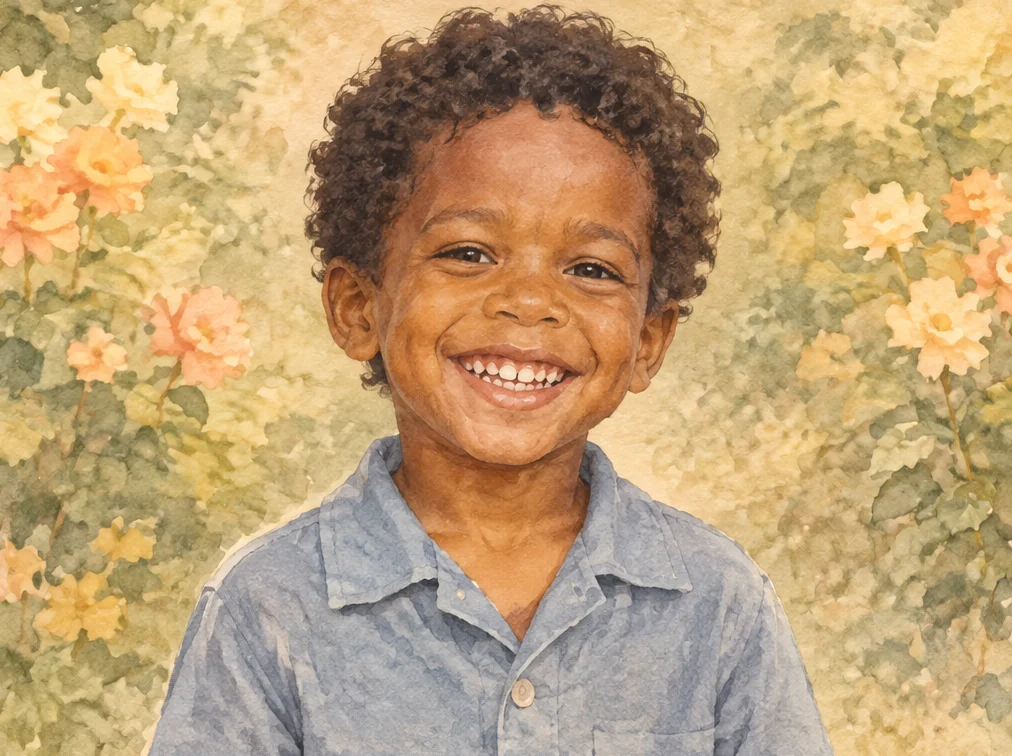
Hug My Younger Self AI Video turns a recent portrait and a childhood photo of the same person into a short, warm reunion scene. Upload your adult portrait first and childhood photo second, review or edit the pre-filled effect prompt, then check the live credit quote before starting.
How to make your video
- Choose two clear photos of the same person: a recent adult portrait and a childhood photo.
- Upload the recent adult portrait first as @Image1, then the childhood photo as @Image2. The generator requires exactly two photos.
- Review the pre-filled effect prompt and edit it if you want to adjust the scene description.
- Check the live credit quote shown in the generator, then start the Seedance 2.0 video generation and review the clip when it is ready.
From photo references to a reunion scene
Ideas for a thoughtful reunion
- A personal keepsake Pair a recent portrait with a childhood photo to make a gentle visual reflection on how far you have come.
- A family memory Use two carefully chosen photos to imagine a warm meeting between your present-day self and the child in an old family album.
- A storybook concept Explore a watercolor-style reunion scene as a starting point for a personal illustration or memory project.
Check before saving
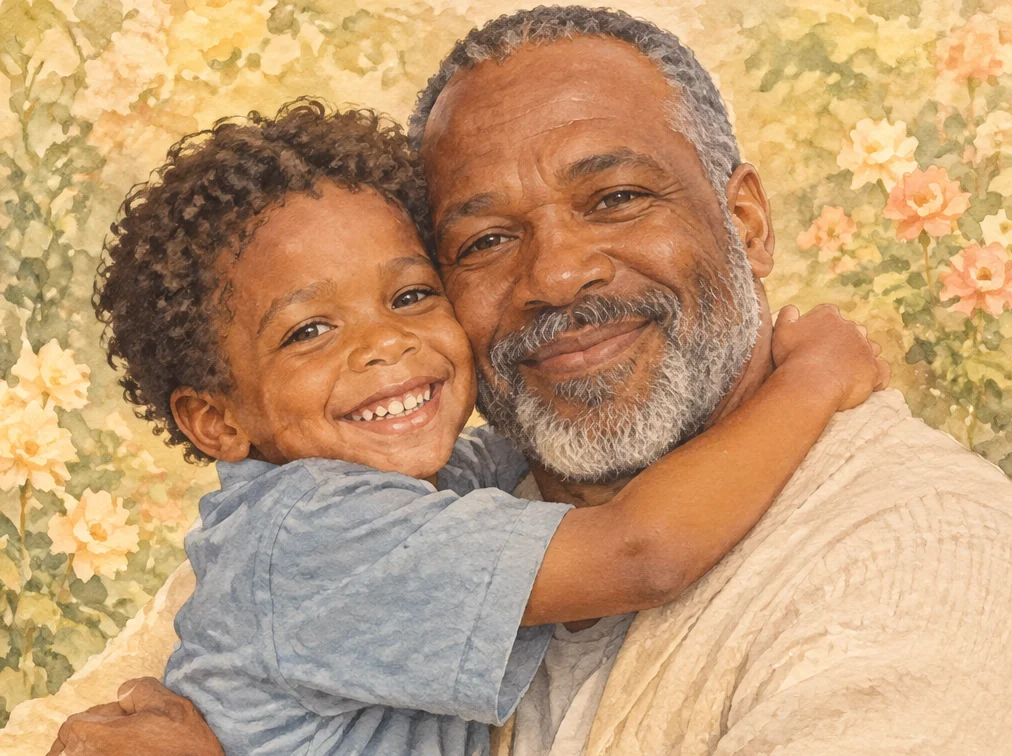
- Confirm the adult and child remain recognizable throughout the embrace.
- Check that the adult kneels, the child steps in, and their gentle hug reads clearly.
- Review the whole clip for visual consistency, including faces, clothing, and the watercolor storybook look.
Common questions
What is Hug My Younger Self AI Video?
It is a short AI-generated video concept in which an adult meets and gently hugs their younger self. The 3YTV generator uses the Seedance 2.0 model and creates clips up to 15 seconds long.
Can I try Hug My Younger Self AI Video free?
Check the live credit quote in the generator before you start, and consult the pricing page for current plan details. The quote shown there is the guide to the credit cost for your generation.
What do I need to upload or type?
Upload exactly two photos: a recent adult portrait first as @Image1, then a childhood photo of the same person as @Image2. The effect prompt is pre-filled, and you can edit it before starting.
How long does it take?
Generation usually takes a short wait, and the time depends on queue load. The clip can be up to 15 seconds long.
How can I help the two versions look like the same person?
Choose clear, well-lit photos where the face is easy to see, and make sure both images show the same person. In the prompt, ask to preserve each identity and keep both faces visible during the embrace.
Explore more video guides
3ytv.com · Updated
See update history
- — Added a two-photo guide, a watercolor storybook scene concept, prompt guidance, and checks for reviewing a younger-self reunion clip.