
Halloween Costume Video: Make a Clear Reveal
Costume reveal
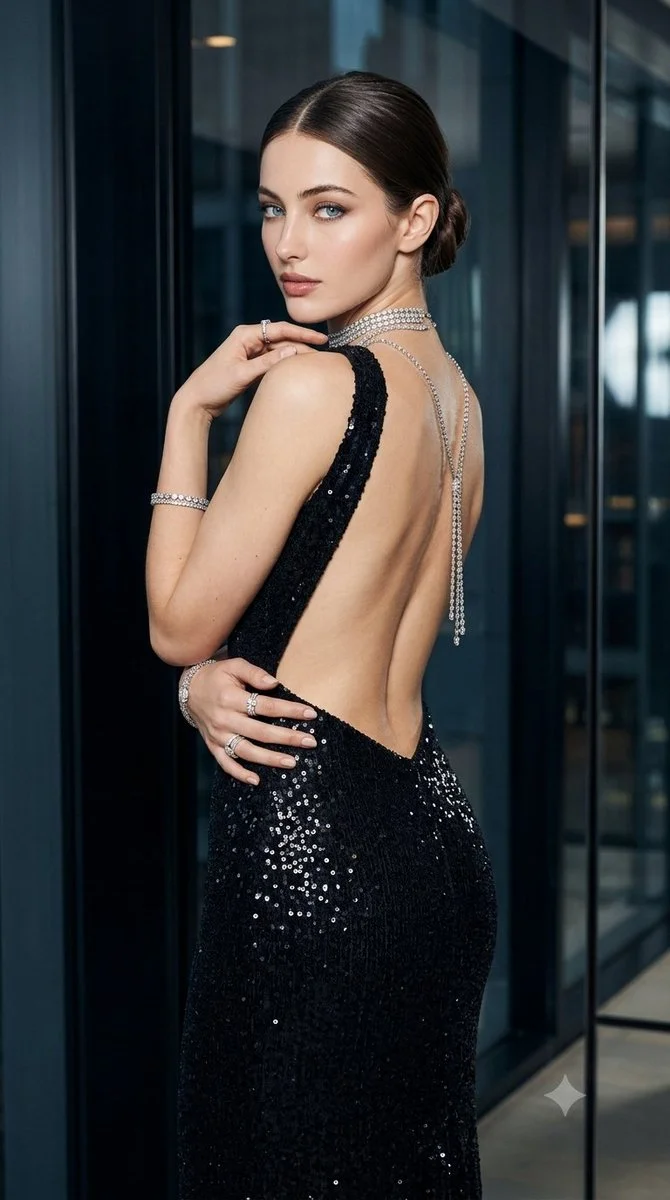
History
Loading history…
VIDEO WORKFLOW
Turn a costume idea into a short reveal with a strong silhouette and one readable gesture. Keep the face, garment and lighting consistent enough to judge the result.
Open the workspacePrepare the reference
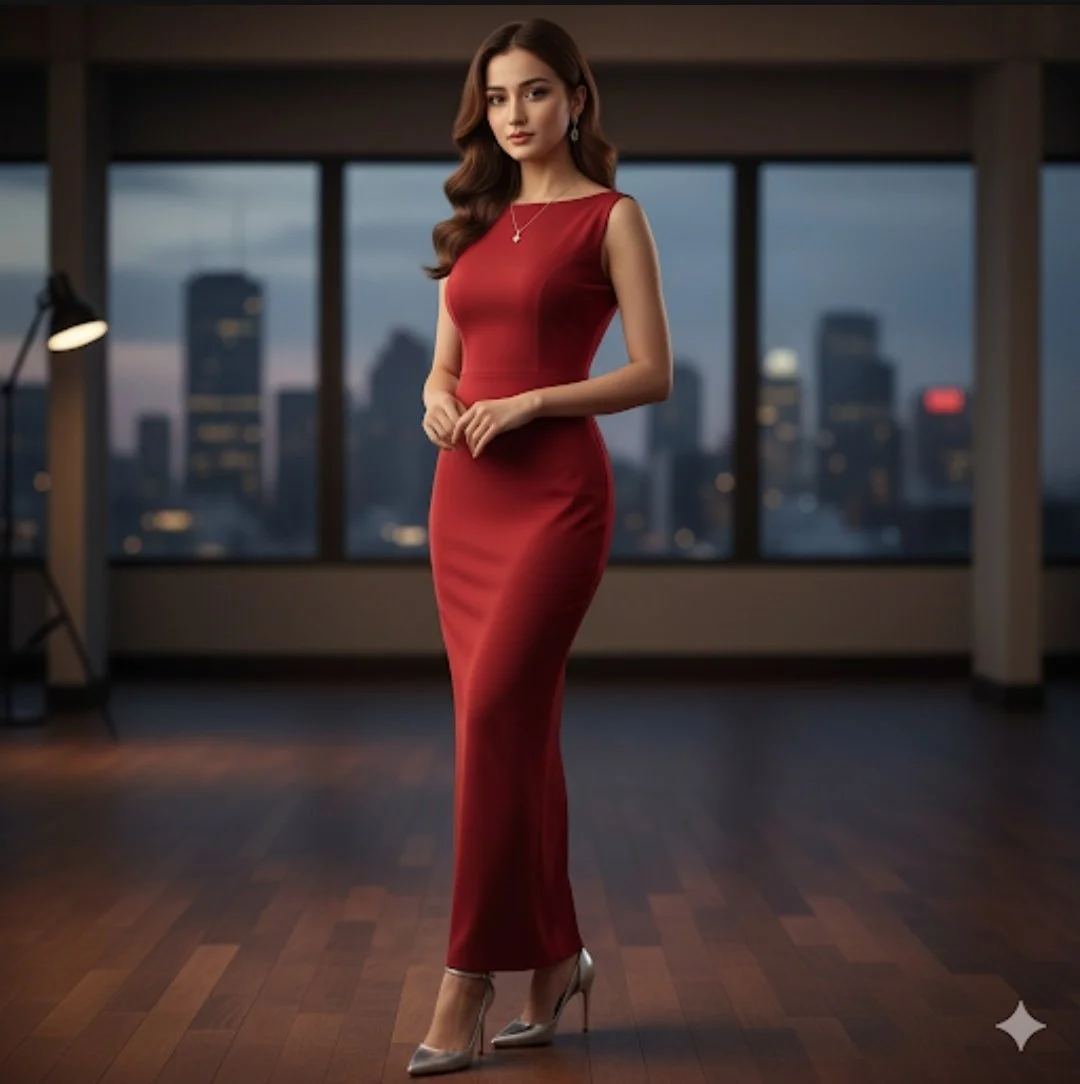
Choose a clear adult reference photo where the face is easy to read. Avoid heavy filters, strong blur or crowded backgrounds. Write a costume description you can edit later: garments, colors, textures, accessories and the piece you want a viewer to remember. Keep expectations practical about face preservation.
Direct one readable action
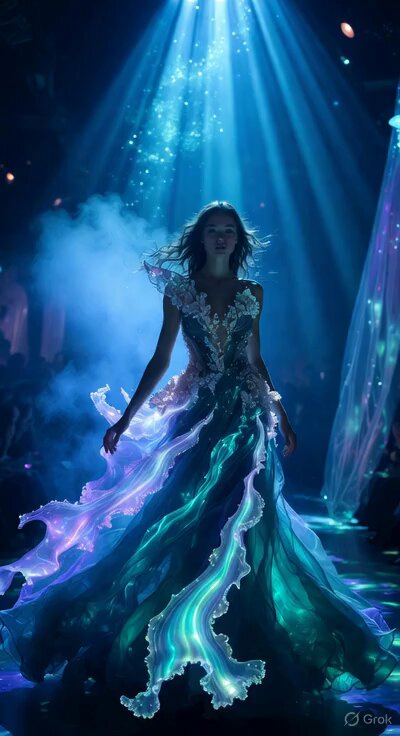
Use one clear adult reference photo. Start with the feature that matters: a star pattern, a broad collar or the hem of a long gown. Describe a movement that makes that feature visible, such as a small turn or one opening sweep of the cape. Keep the camera simple. A rapid spin, a moving viewpoint and several accessories can all compete with the detail you wanted to show.
Review the completed clip
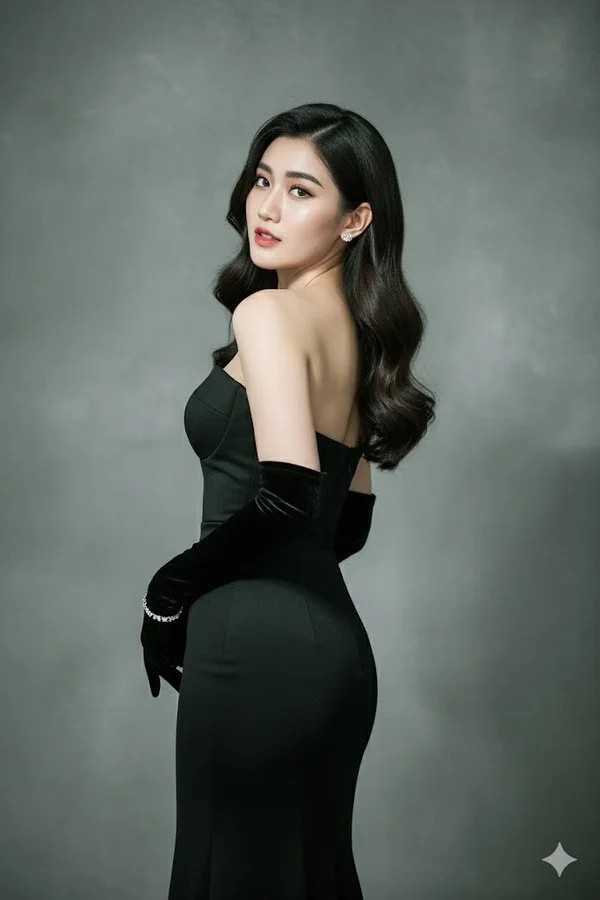
It creates a short costume-reveal video guided by an adult portrait and a written costume direction. Name the garment, setting and one movement, then review how the person and outfit remain readable through the clip.
Study a published video
Published library examples are references for composition, lighting and motion planning. They are not controlled tests of this page or a promise that another model will reproduce the result.
Prompt focus: a recognizable subject, simple movement and a coherent final frame.
Check the quote and follow the task
Review the selected model, supported parameters and current credit quote before submission. If no compatible model or approved price is available, the workspace remains unavailable. Publishing this guide does not enable a model.
Submit once and follow the task in History. When a response is delayed, check the existing task before starting another request. Review the complete result before downloading or sharing it.
Costume reveal questions
What should I prepare for costume reveal?
Choose a clear adult reference photo where the face is easy to read. Avoid heavy filters, strong blur or crowded backgrounds. Write a costume description you can edit later: garments, colors, textures, accessories and the piece you want a viewer to remember. Keep expectations practical about face preservation.
Are these examples tests of this workflow?
Published library examples are references for composition, lighting and motion planning. They are not controlled tests of this page or a promise that another model will reproduce the result.
What will a request cost?
Prices depend on the available model and reviewed request settings. The quote shown before submission is the source of truth; this guide does not promise a free generation or a fixed price.
What should I check in the result?
Inspect the full clip at normal speed, then check the first and final frames. Look for subject drift, broken text, inconsistent objects and unexpected camera changes.
3ytv.com · Updated
What's new on this page
- — Added a practical costume reveal guide with published library references, input advice and result review steps. Corrected the costume guidance to match the available reference images.