
Bigfoot Video Generator: Frame a Fictional Encounter
Bigfoot scene
History
Loading history…
VIDEO WORKFLOW
Stage a fictional woodland encounter with one creature, a clear environment and restrained camera movement. Treat the scene as storytelling rather than footage of a real event.
Open the workspacePrepare the reference
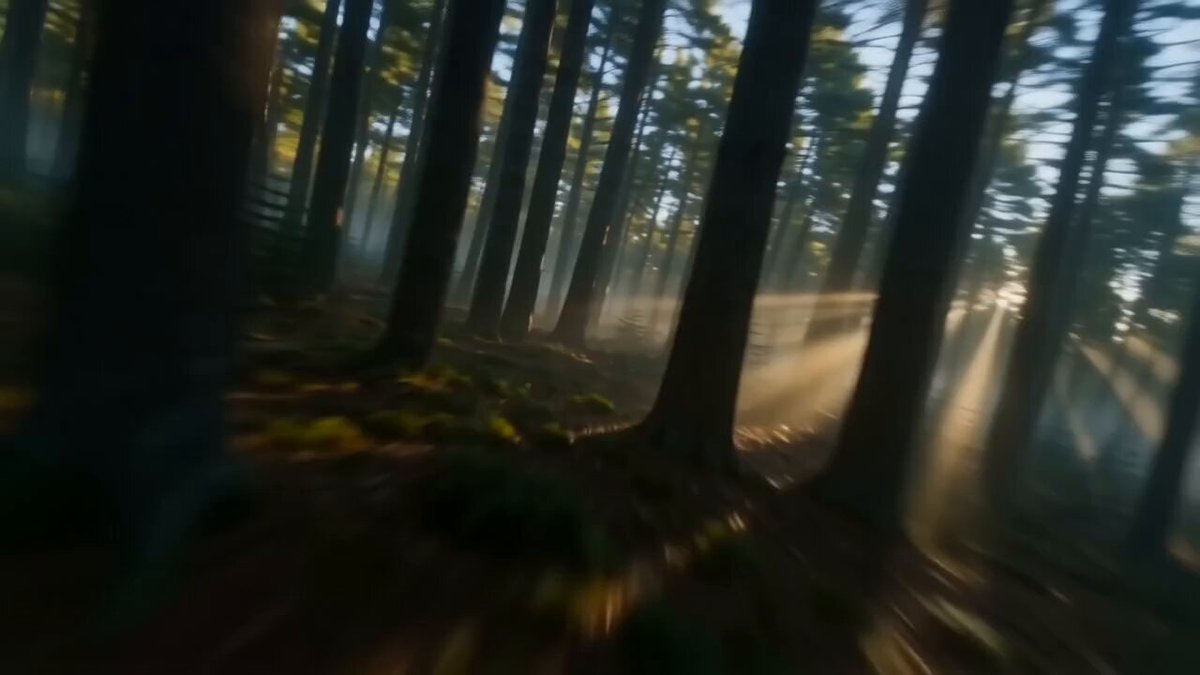
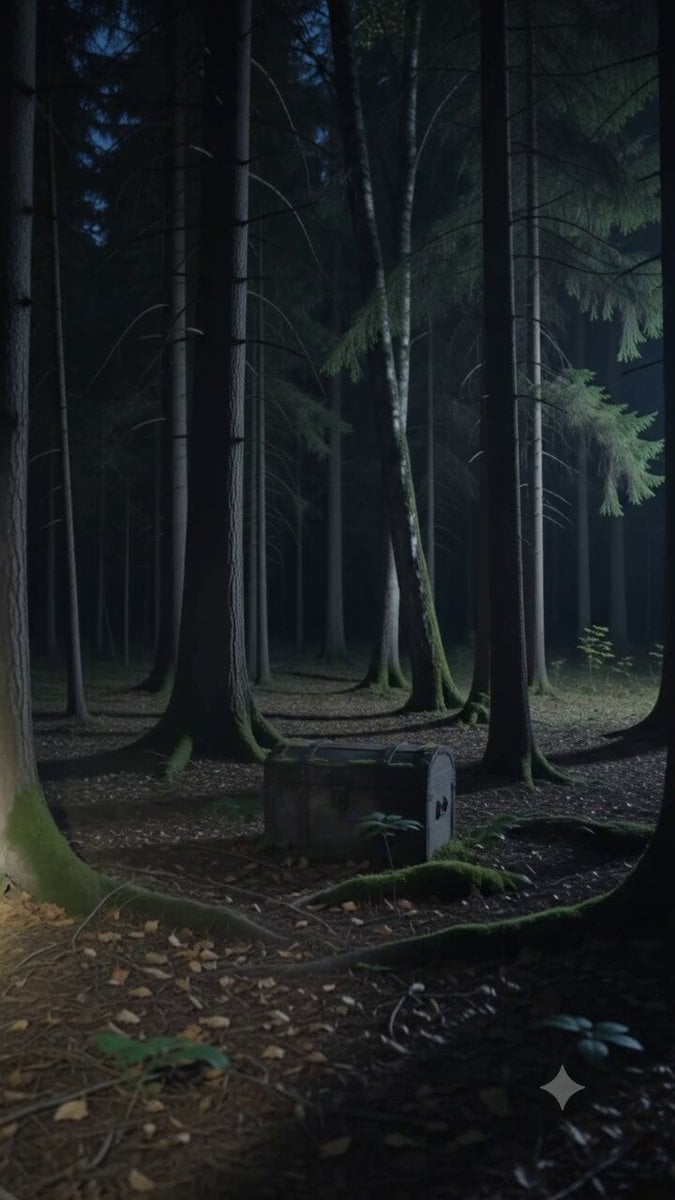
Nothing is required for Text to Video. In reference-based mode, use a clear woodland image with a visible route through the scene, or a character picture with a readable face and silhouette, according to what should guide the clip.
Direct one readable action
It creates a short fictional creature scene using a written setting, camera view and action. Start in Text to Video for a scene described entirely in words, or use reference-based video mode when a landscape image should guide the look.
Review the completed clip
For the close view, keep the creature's face, waving hand and immediate surroundings distinct. A small action camera can support a vlog-style composition, but an object in the hand also gives you another contact point to inspect. Watch whether the fingers hold it coherently and whether the river stays in a consistent position behind the subject. If the framing becomes restless, reduce the camera movement rather than adding more actions. For a distant encounter, judge the walking route and silhouette instead. History lets you compare those two directions as separate clips and choose the camera distance that makes the intended mood easier to read.
Study a published video
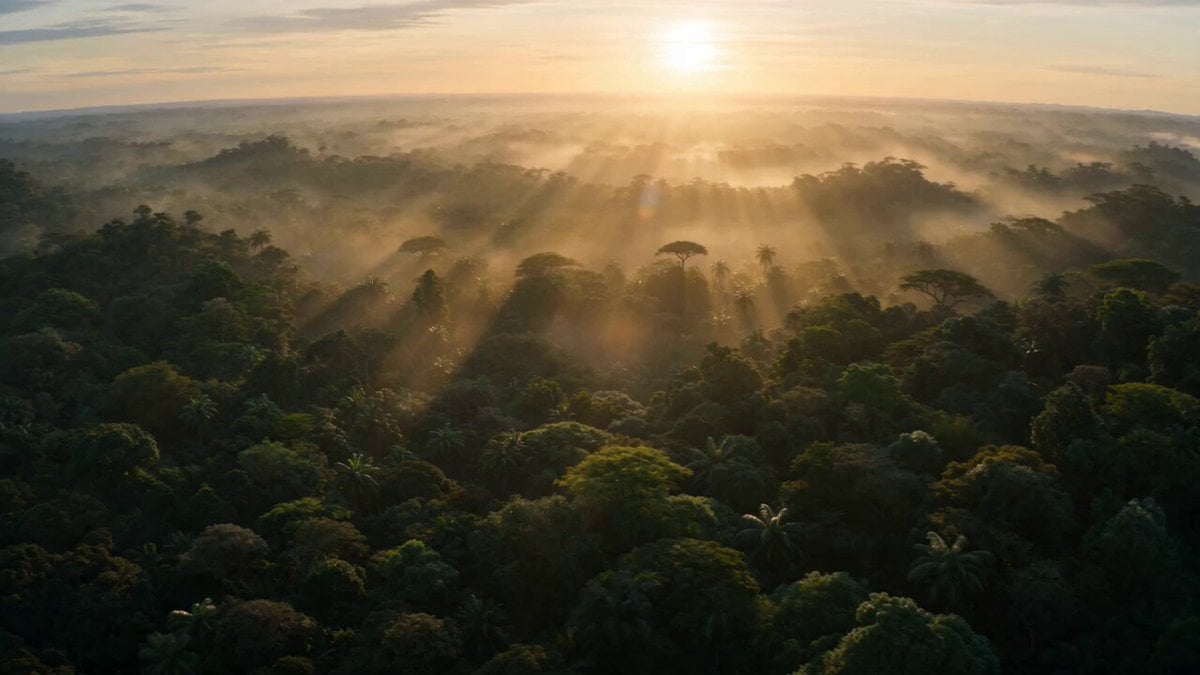
Published library examples are references for composition, lighting and motion planning. They are not controlled tests of this page or a promise that another model will reproduce the result.
Prompt focus: a recognizable subject, simple movement and a coherent final frame.
Check the quote and follow the task
Review the selected model, supported parameters and current credit quote before submission. If no compatible model or approved price is available, the workspace remains unavailable. Publishing this guide does not enable a model.
Submit once and follow the task in History. When a response is delayed, check the existing task before starting another request. Review the complete result before downloading or sharing it.
Bigfoot scene questions
What should I prepare for bigfoot scene?
Nothing is required for Text to Video. In reference-based mode, use a clear woodland image with a visible route through the scene, or a character picture with a readable face and silhouette, according to what should guide the clip.
Are these examples tests of this workflow?
Published library examples are references for composition, lighting and motion planning. They are not controlled tests of this page or a promise that another model will reproduce the result.
What will a request cost?
Prices depend on the available model and reviewed request settings. The quote shown before submission is the source of truth; this guide does not promise a free generation or a fixed price.
What should I check in the result?
Inspect the full clip at normal speed, then check the first and final frames. Look for subject drift, broken text, inconsistent objects and unexpected camera changes.
3ytv.com · Updated
What's new on this page
- — Added a practical bigfoot scene guide with published library references, input advice and result review steps.