
AI Private Jet Photo in a Quiet, Sunlit Cabin
Create your AI Private Jet Photo
History
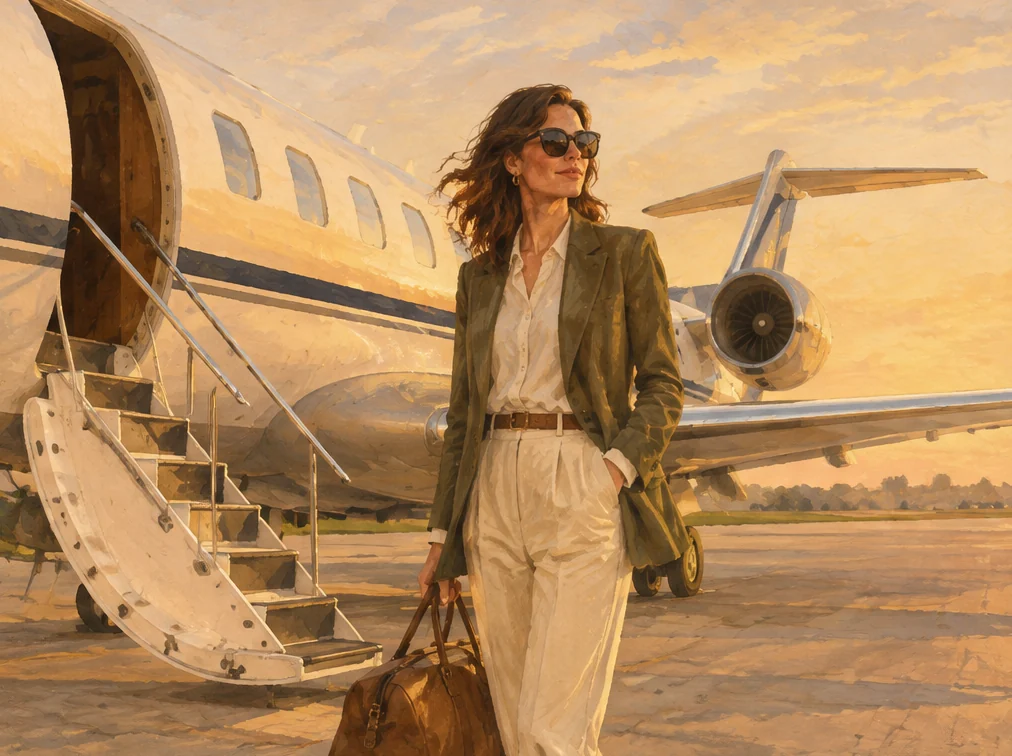
An AI Private Jet Photo is a fictional travel scene that places a person in a private-jet setting, rendered for 3YTV in a hand-painted gouache style. Upload one clear portrait and edit the pre-filled prompt, or describe a fictional traveler without uploading an image; choose a mode and start from the generator.
How to make your image
- Choose Image to Image to use a portrait, or Text to Image to work from a description alone.
- For Image to Image, upload one clear portrait with the person's face visible; skip this step for Text to Image.
- Review and edit the pre-filled prompt to describe the setting, pose, wardrobe, and gouache look you want.
- Check the live credit quote in the generator, then start and review the image before saving.
From starting portrait to travel scene
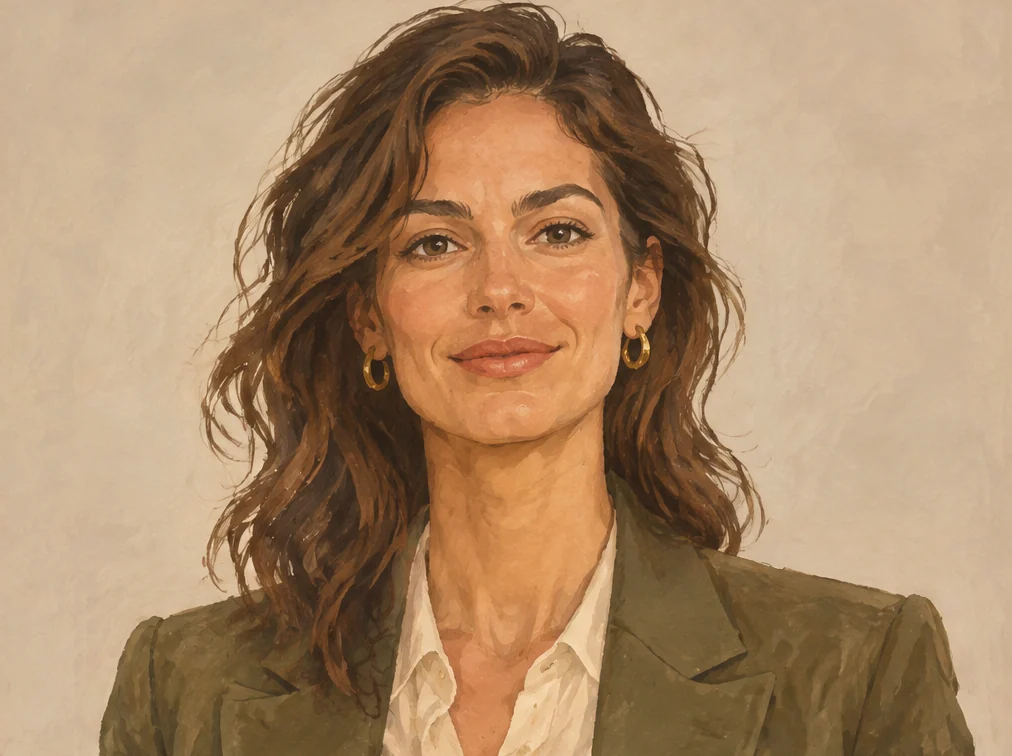
Ideas for a private-jet scene
- Airstair arrival Describe a traveler stepping onto the apron beside an unbranded airstair, with warm late-day light and a composed travel portrait feel.
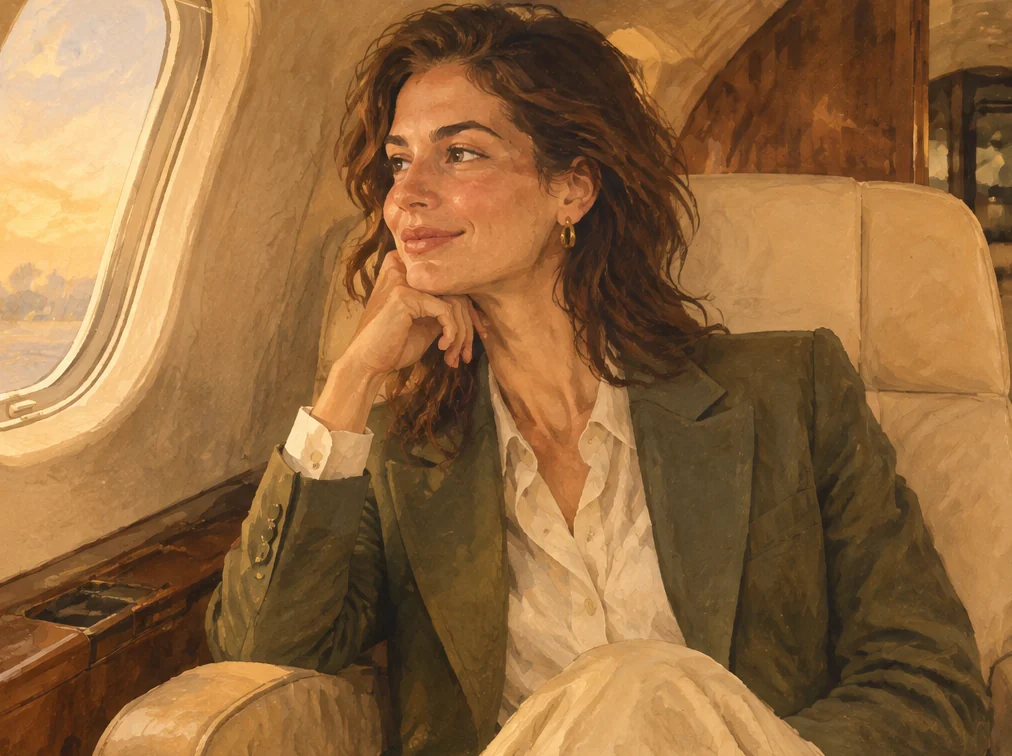
- Quiet cabin moment Place the traveler seated inside a simple, unbranded cabin, with soft window light, understated clothes, and a relaxed pose.
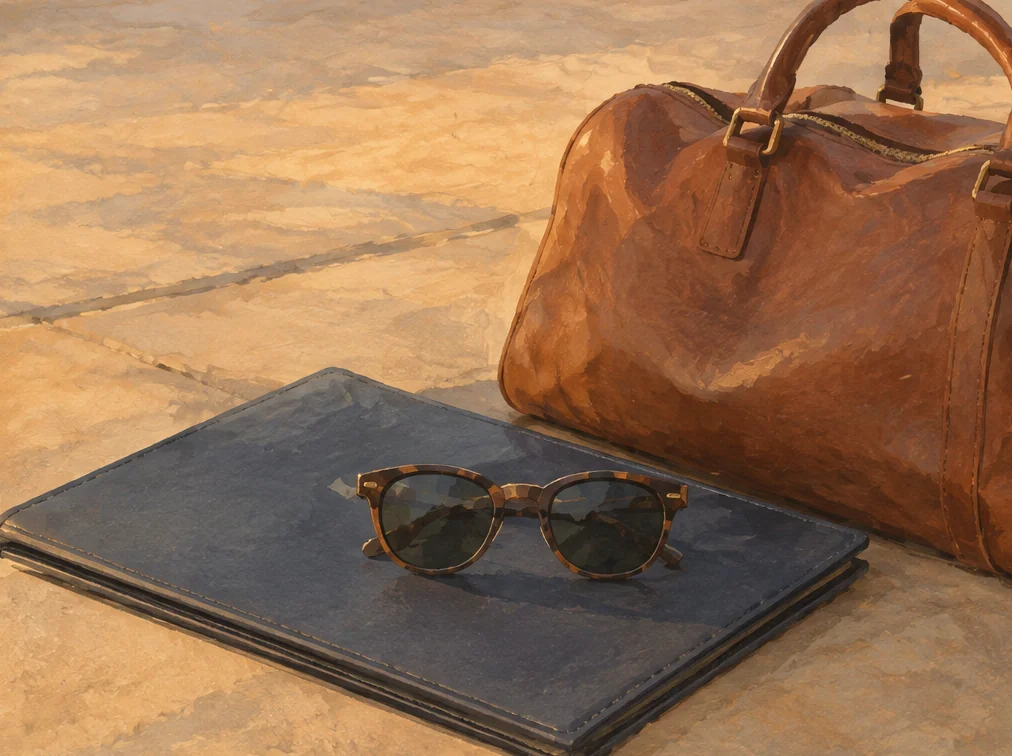
- Apron travel still life For a text-only prompt, describe a boarding folder without text, sunglasses, and a leather bag resting on the apron at golden hour.
One last look
- Check that the face, hairstyle, and skin tone remain consistent with your reference portrait.
- Look for unwanted text, logos, or tail numbers and avoid using an image that includes them.
- Make sure the pose, cabin details, and gouache finish fit the travel scene you intended.
Common questions
What is an AI Private Jet Photo?
It is a fictional private-jet travel image made from a portrait or a text description. On 3YTV, the guide’s visual direction is hand-painted gouache, and the scene can feature an airstair, cabin, or apron.
Can I try it free?
Check the live credit quote shown in the generator before starting, and visit the pricing page for current pricing details. This guide does not promise a free amount.
What do I need to upload or type?
For Image to Image, upload one clear portrait and edit the pre-filled prompt as needed. For Text to Image, type or revise a description; no upload is needed.
How long does it take?
Generation usually takes a short wait, and the time depends on queue load.
How can I make the private-jet scene feel more convincing?
Describe a specific pose, light, and setting—for example, stepping off an unbranded airstair in warm evening light. Keep the prompt free of logos, readable text, and tail numbers.
Explore more 3YTV tools
3ytv.com · Updated
See update history
- — This guide explains the two generator modes, prompt editing, credit quote, and checks for a fictional gouache-style private-jet travel image.