
Sheru Bhai AI Photo: Make a Calm Lion Companion Portrait
Create your Sheru Bhai AI Photo
History
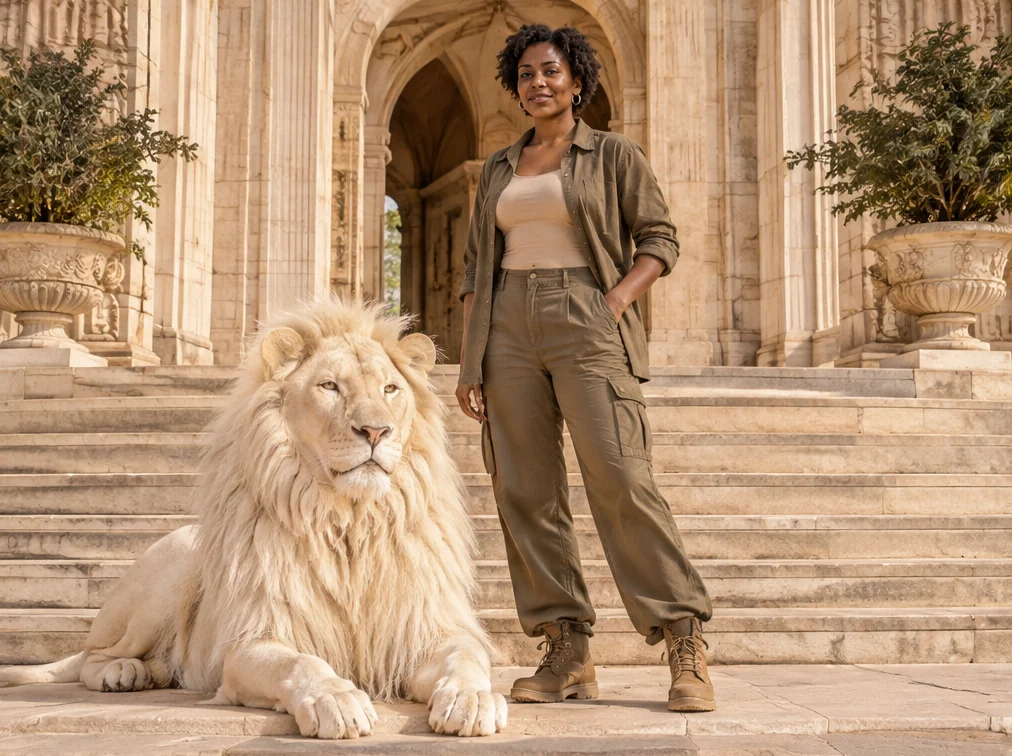
Sheru Bhai AI Photo is a portrait concept featuring a person beside a calm, majestic white lion as a friendly “boss” companion. Upload one clear selfie for an image edit, or describe a fictional adult and scene in text; review the live credit quote in the generator, then start.
Create your portrait
- Choose Image to Image and upload one clear selfie, or choose Text to Image to describe a fictional adult without uploading a photo.
- Review the pre-filled prompt and edit the setting, wardrobe, and pose to suit your idea.
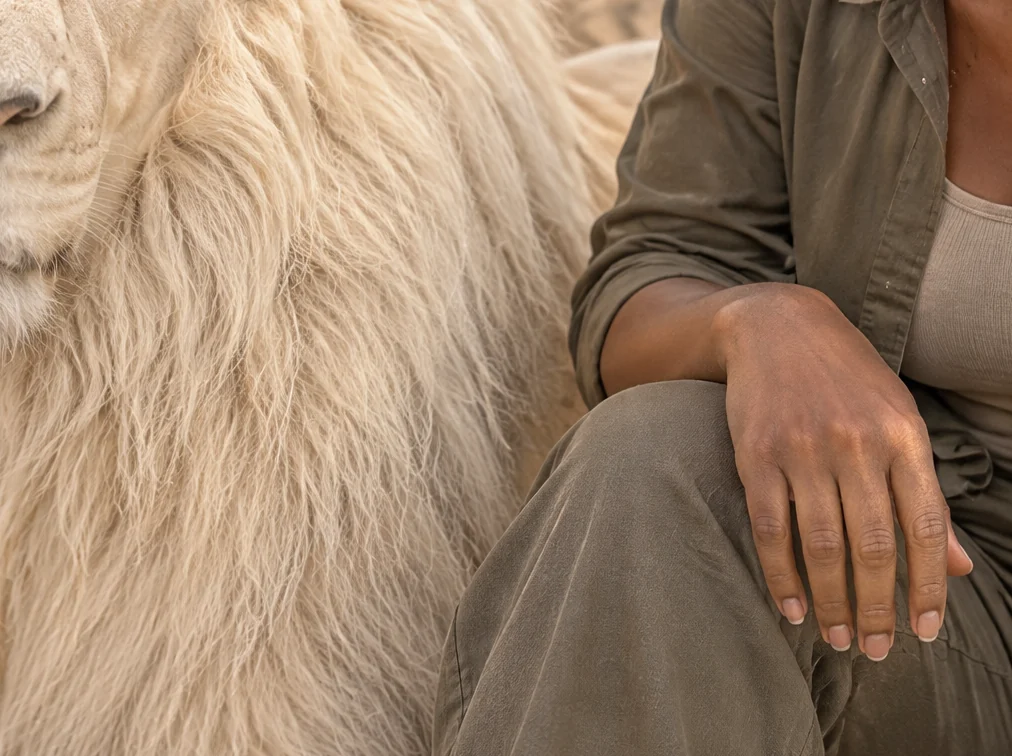
- Keep the lion calm and the interaction respectful; avoid chains, cages, riding, or close physical contact.
- Check the live credit quote before starting, then review the generated image and save it if it fits your brief.
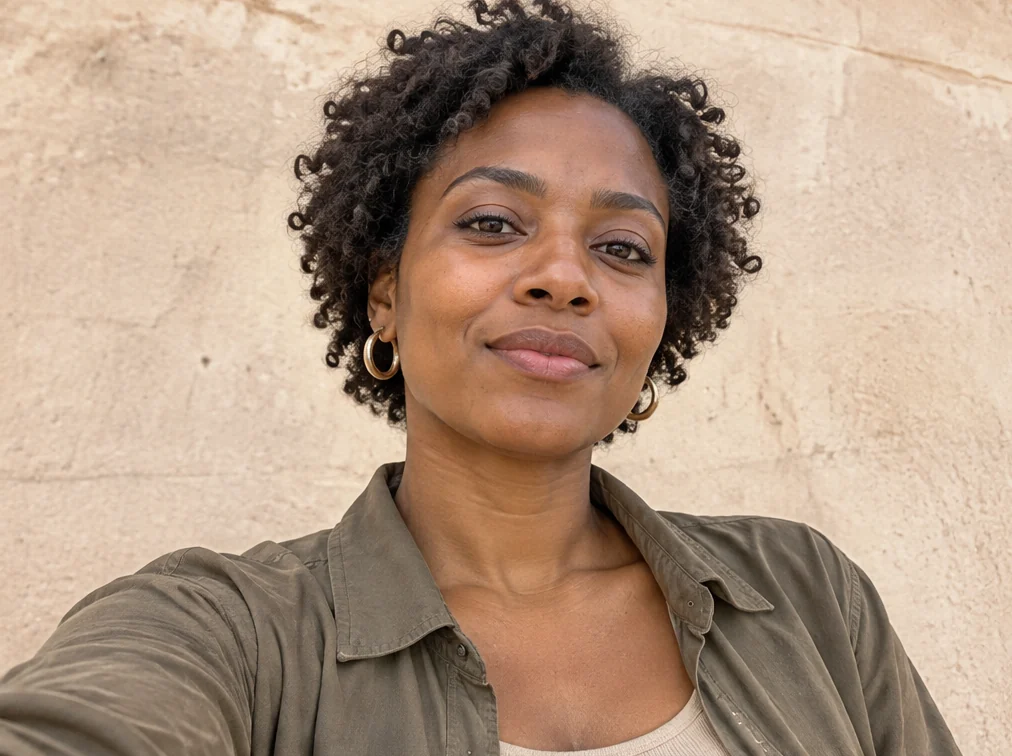
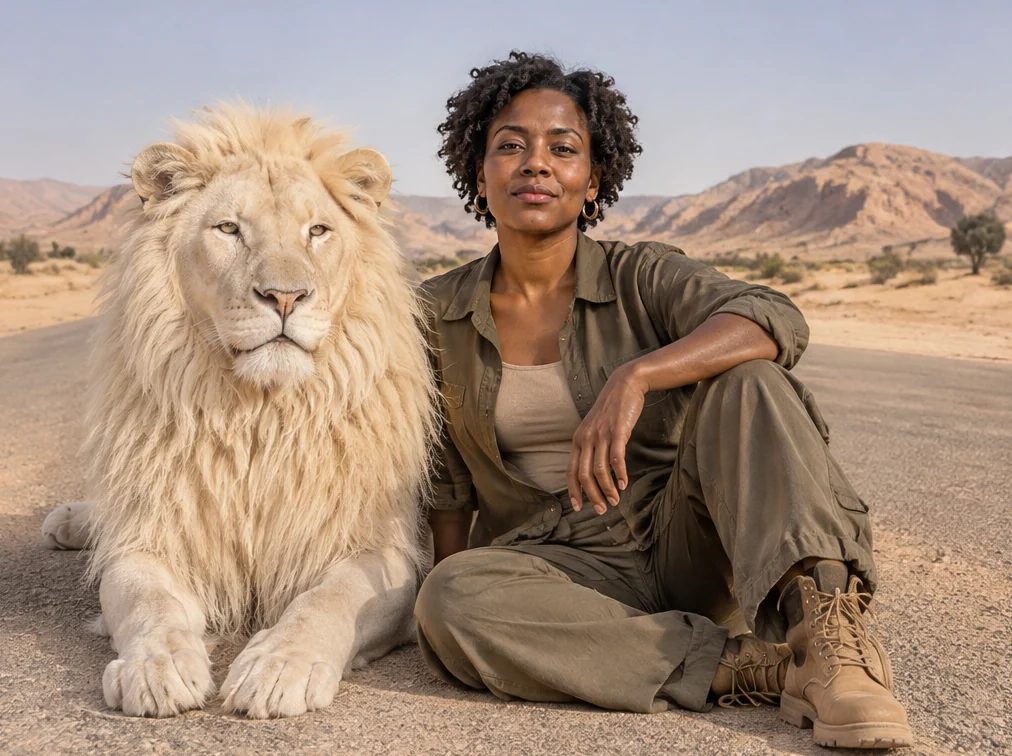
Starting portrait and edited scene
Ideas for a Sheru Bhai portrait
- Palace-step portrait Pair a confident standing pose with warm stone steps and a calm white lion nearby for a composed, documentary-style scene.
- Desert-road scene Set a seated portrait against an open, quiet road with the lion beside the person and ample space between them.
- Simple studio concept Use a muted studio backdrop and understated clothing to keep the face, lion’s mane, and respectful spacing easy to see.
Check before saving
- For an image edit, confirm the person’s face, hairstyle, and skin tone still resemble the uploaded selfie.
- Check that the white lion looks calm and the scene shows no chains, cages, riding, or dangerous contact.
- Look for natural lighting, clear details, and a believable transition between the person and the setting.
Common questions
What is Sheru Bhai AI Photo?
Sheru Bhai AI Photo is a portrait concept featuring a person beside a calm white lion as a friendly “boss” companion. Use Image to Image with a selfie or Text to Image with a description of a fictional person.
Can I try Sheru Bhai AI Photo free?
Check the live credit quote shown in the generator before starting and consult the pricing page for current pricing details. No specific free amount is promised here.
What do I need to upload or type?
For Image to Image, upload one clear selfie and adjust the pre-filled prompt. For Text to Image, type a scene description; that mode does not use an uploaded photo.
How long does it take?
Generation usually involves a short wait, which can vary with queue load. Check the generator for the current process rather than relying on a fixed time.
How can I make the white-lion scene feel respectful?
Describe the lion as calm and keep the person nearby without touching it. Avoid chains, cages, riding, or any dangerous contact.
Explore related tools and guides
3ytv.com · Updated
See update history
- — Added a guide to creating a Sheru Bhai portrait with image-to-image or text-to-image prompts and respectful white-lion scene guidance.