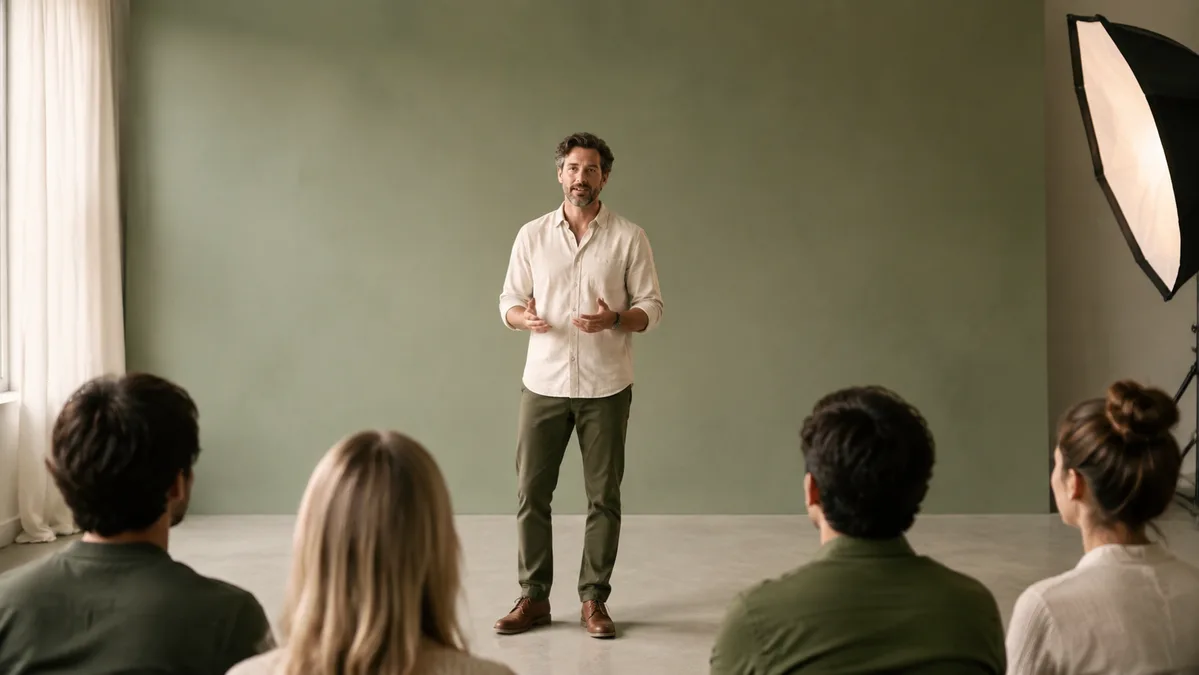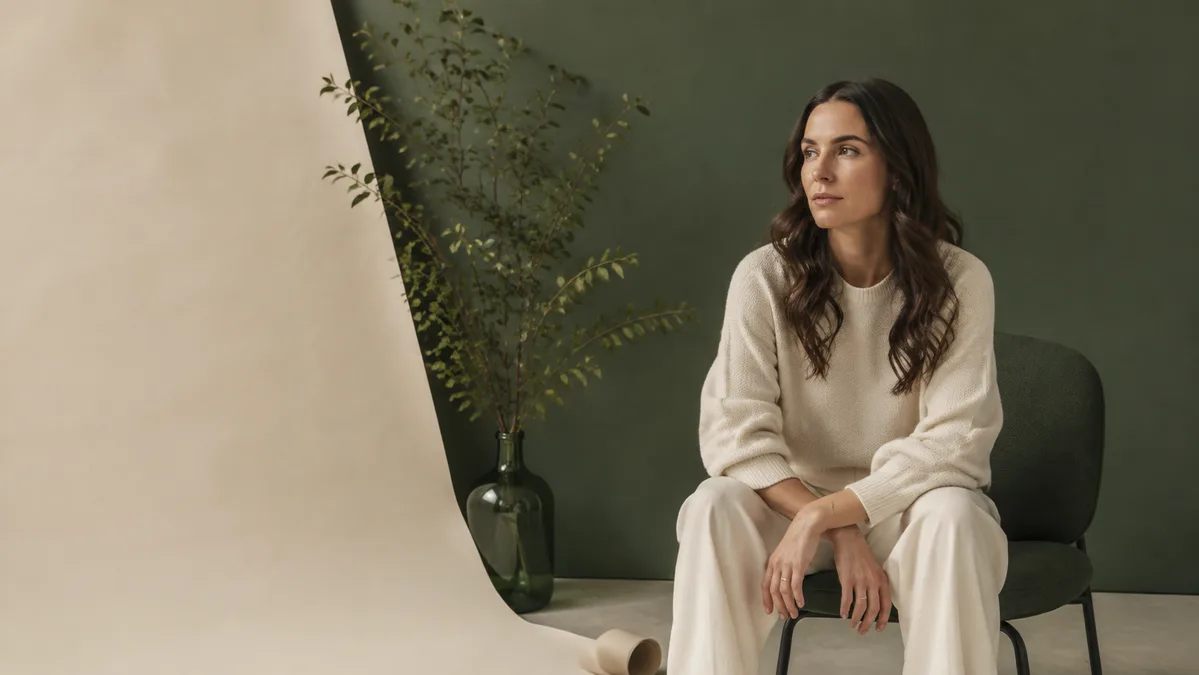
Keep the subject in focus. Try a different setting around the sample portrait.
How to use video background preview
- Inspect the supplied portrait and its edges.
- Switch between the checkerboard, forest green and paper backgrounds. The checkerboard represents transparency.
- Choose a video only if you want to play it locally. Background changes apply to the sample portrait, not your file.
What to look for
Compare hair and clothing edges against both light and dark backgrounds. A scene that looks clean in one color may reveal edge problems in another.
Common questions
Can I download a finished video?
No. This workspace lets you explore the controls, but does not process or export video. Keep your original footage and save any notes you want to use later.
What happens to my content?
Your selections stay in this page. Closing or refreshing it clears them. You do not need an account. See our privacy information or contact support if you have questions.